 Support Ukraine






UI/UX design
-

Identity for Shelter Media
-
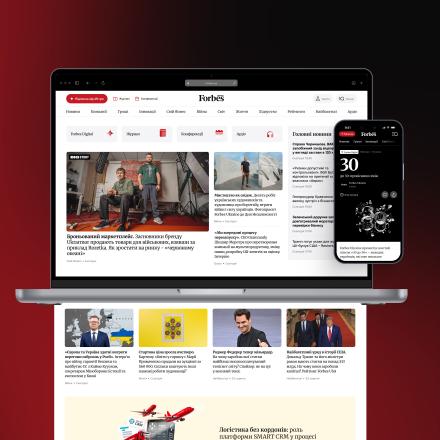
Forbes Ukraine: how the media makes money from various products
-
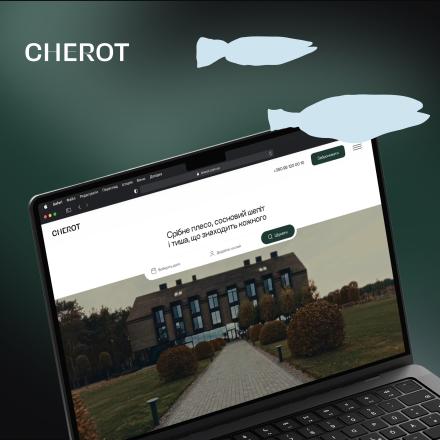
The CHEROT Hotel website
-

Updating Website and Building Community: Varosh Case
-

Mobile application for media Forbes Ukraine
-

TSN: Relaunch
-

B2B system for the WestFood website.
-

UNITED24 Media
-

Online.ua
-
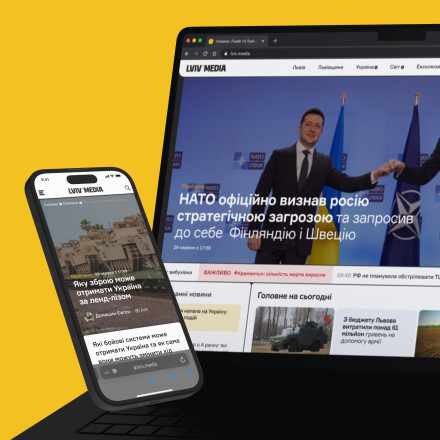
lviv.media
-
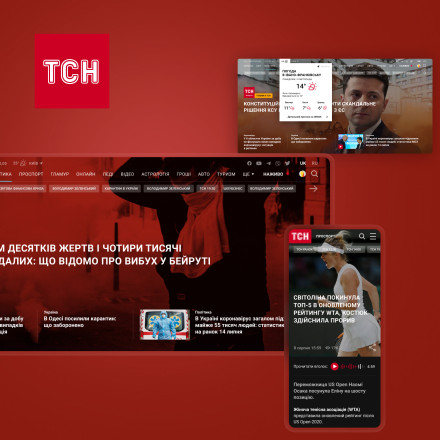
ТСН
-

Forbes news website
-

Focus
-

Max Kidruk
-

Grand Persona app
-
 in the process of translation
Ring Delivery
-

Shuba
-

Forbes magazine subscription
-

Фармацевтичний бізнес-портал
-

Chalet TwoSeasons
-
 in the process of translation
Online store Estro
-
 in the process of translation
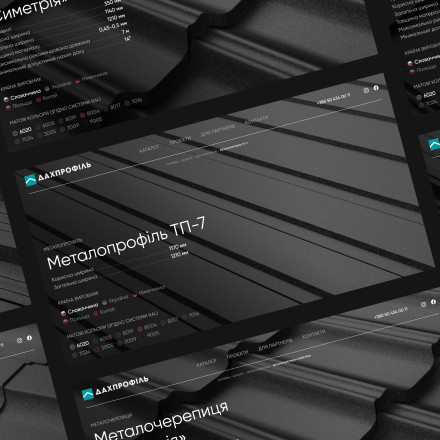
Dahprofil
-
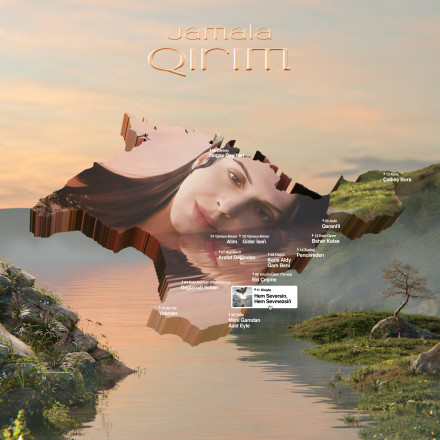
Jamala: album Qirim
How does UX/UI design differ from a simply attractive layout?
Good UX/UI design isn’t just about looking good. The user must understand where to click, how to perform the required action and what will happen next. For businesses, this means fewer barriers to making a purchase, submitting an application, registering or carrying out any other desired action.
That’s why work on the interface begins with the structure of the information and user scenarios. Only then is the visual system developed: typography, colours, components, element states and adaptation for different screen sizes.
This is particularly evident in complex products. A news website must display a lot of content whilst remaining clear; an e-commerce site must help users find and purchase products quickly; and a business system must transform a complex process into a straightforward user journey.
When does a website or digital product need a redesign?
A website redesign isn’t just needed when it looks outdated. More often than not, the reason lies in changes to the product itself: new sections and features are introduced, navigation becomes more complicated, different versions of components accumulate, and it becomes harder for users to perform basic actions.
Before a redesign, we analyse the existing product and determine what needs changing and what is already working well. This allows us to avoid simply revamping the website for the sake of a new look, and instead to address specific UX and business challenges.
For large-scale products, a redesign also often serves as an opportunity to create a design system — a unified set of components and rules that guide the future development of the interface.
Why does a product need a design system?
For a small website, a few consistent templates are sufficient. For a product with dozens or hundreds of screens, this is no longer enough.
A design system defines the interface components, their states, typography, spacing and usage rules. Designers and developers work with a single system, so new features can be added without creating dozens of similar but different elements.
This is particularly important for products that evolve over many years: the design remains consistent, the development of new screens is accelerated, and changes are easier to scale across the entire product.